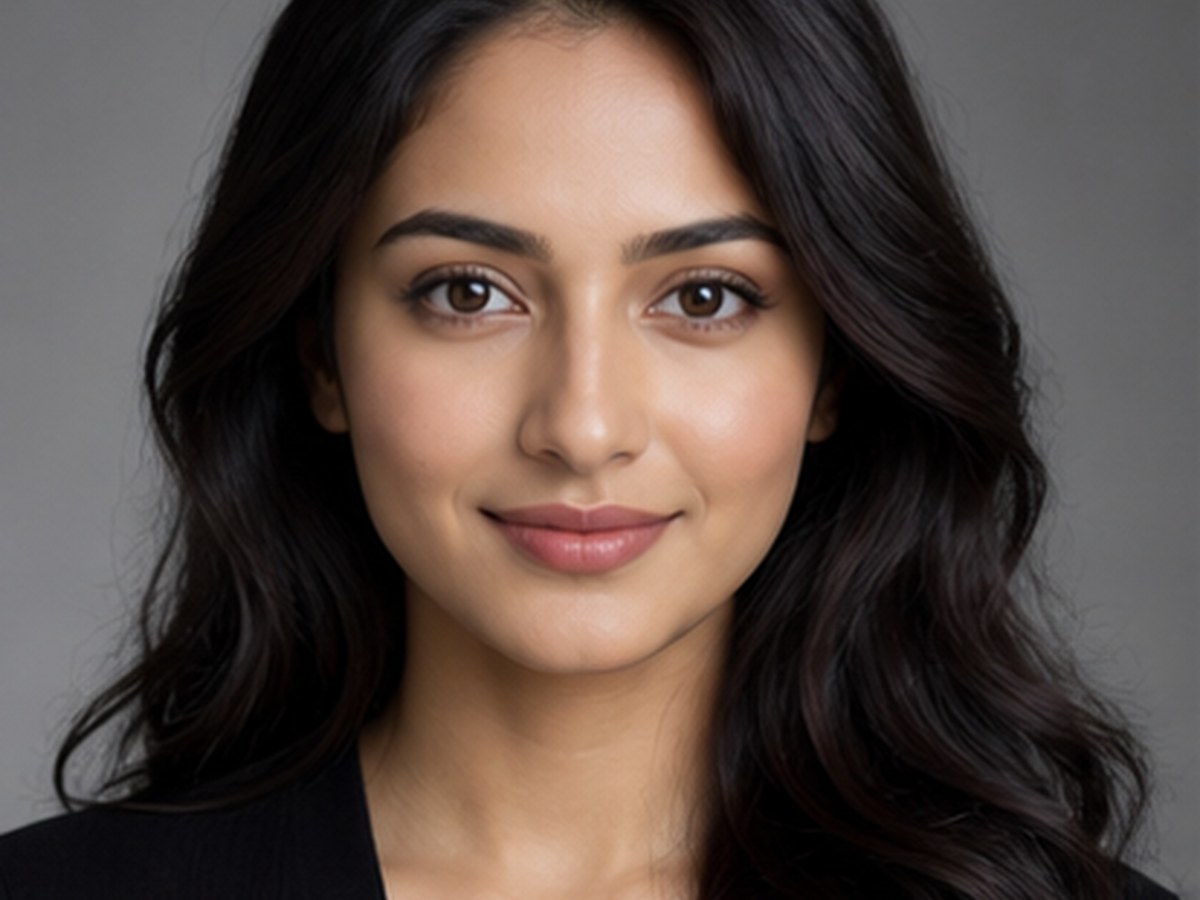
Visual prompt ideas for creators who want polished portraits, couple edits, bridal looks, festival posts, and profile-ready crops.
Free library + local builderNo upload, no photo storage
Independent resource hub. Not affiliated with any official RSP app or editor. This site helps you write prompts and follow workflows; it does not generate, edit, upload, or store photos.
Local-only in P0: no account, no upload, no backend prompt submission, no saved history.
Choose the subject, style, background, lighting, lens feel, target tool, and output goal. The builder turns those choices into a structured prompt you can copy.
Generated prompt
Free builder use does not require an account. Inputs stay in the browser in P0. The builder does not send prompt input to a backend and does not save prompt history.
Copy-ready
Prompt examples for social creators.
Structured
Subject, style, background, lighting, lens feel, and tool fields.
Workflow-led
Guides for AI and mobile editing tools.
Free first
Selected prompts and builder access without account.
What it is
RSP-style prompts without pretending to be an editor
RSP Editing AI is an independent prompt library and workflow hub for creators who want RSP-style photo editing ideas.
Not an official RSP application, not an online photo editor, and not a generative AI service. Users bring the prompt to the third-party tool they choose.
Trending styles
Start with the most useful visual directions
Four newer identity and motion formats lead this focused nine-card set. Browse the complete library when you want more.
These selected examples are free to copy. Change the subject, mood, location, and tool notes to match your image and platform.
high-key cream veil
BridalEasy
Soft Bridal Portrait
Best for ceremony-ready portrait
BridalChatGPTGeminiEasy
Tool
ChatGPT / Gemini
Goal
Copy-ready prompt
PromptCopy-ready prompt
Write an RSP-style AI photo editing prompt for ceremony-ready portrait. Include soft ceremony lighting, elegant fabric detail, natural skin tone, clean background, lens feel, target tool notes, output goal, and a reminder to manually review the final result before publishing.
Copy-ready bridal prompt for ceremony-ready portrait.
Write an RSP-style AI photo editing prompt for romantic social post. Include cinematic warmth, balanced composition, gentle background separation, natural skin tone, lens feel, target tool notes, output goal, and a reminder to manually review the final result before publishing.
Copy-ready couple prompt for romantic social post.
Write an RSP-style AI photo editing prompt for professional profile. Include neutral background, controlled window light, natural skin tone, confident expression, lens feel, target tool notes, output goal, and a reminder to manually review the final result before publishing.
Copy-ready portrait prompt for professional profile.
Write an RSP-style AI photo editing prompt for magazine-style look. Include strong composition, soft contrast, textured backdrop, refined color grade, lens feel, target tool notes, output goal, and a reminder to manually review the final result before publishing.
Copy-ready portrait prompt for magazine-style look.
Write an RSP-style AI photo editing prompt for seasonal light frame. Include warm decorative lights, festive color, respectful styling, clear face framing, lens feel, target tool notes, output goal, and a reminder to manually review the final result before publishing.
Copy-ready festival prompt for seasonal light frame.
Write an RSP-style AI photo editing prompt for display picture. Include clear face framing, neutral background, controlled contrast, social-platform crop guidance, lens feel, target tool notes, output goal, and a reminder to manually review the final result before publishing.
Copy-ready dp / profile prompt for display picture.
Start from a clear prompt format instead of a vague editing idea.
Keep SEO, workflow, and safety notes together.
Use tool-specific workflows to move from prompt writing to editing steps.
Stay clear that the site is a resource hub, not an image service.
Pricing state
Start free. Trial Pass is controlled paid access.
Free remains the public product. Trial Pass provides 14-day email-bound access to premium samples and a mini workflow. Starter Pack and Creator Pack stay planned until their own launch gates are cleared.
Controlled P0 Trial Pass access is active. Includes email-bound access, premium samples, resend support, refund handling, and no photo generation or editing service.
No. RSP Editing AI is an independent resource hub for RSP-style prompts and workflows. It is not affiliated with, endorsed by, sponsored by, or connected to any official RSP app, editor, company, or trademark holder.
Does this site generate or edit images?
No. The site provides prompts, a browser-side prompt builder, and workflow guides. It does not generate, edit, upload, or store images in P0.
What tools do these prompts work with?
The prompts can be adapted for third-party tools such as ChatGPT, Gemini, CapCut, VN, Lightroom, Snapseed, PicsArt, and similar creative tools.
Are the prompts free?
Yes. The public prompt library, selected copy-ready prompt cards, workflow guides, and browser-side prompt builder are free. Free access does not include saved history, full downloads, premium samples, commercial license, or any photo generation/editing service.
Are results guaranteed?
No. Results depend on the source image, tool, model behavior, settings, and manual review.
Do I need a subscription?
No. P0 does not include a subscription. A Pro Membership is only a P1 candidate after usage and sales data justify it.
What is Trial Pass?
Trial Pass is a $2.99 test-only paid access product. It should provide 14-day email-bound access, a small set of premium prompt samples, one mini workflow or cheat sheet, order status, refund handling, and access email delivery. It is not a full pack, subscription, commercial license, or image service.
Can I buy Trial Pass now?
Only from the noindex Trial Pass test page while the paid flow is being validated. Public SEO pages should not present Trial Pass as a finished public product until premium contents, access email resend, refund testing, tax/MoR review, and legal review are cleared.
Can I buy the Starter or Creator Pack now?
Not until expanded pack launch gates are cleared. Until then, Starter and Creator CTAs should use waitlist or launch-notice language.