
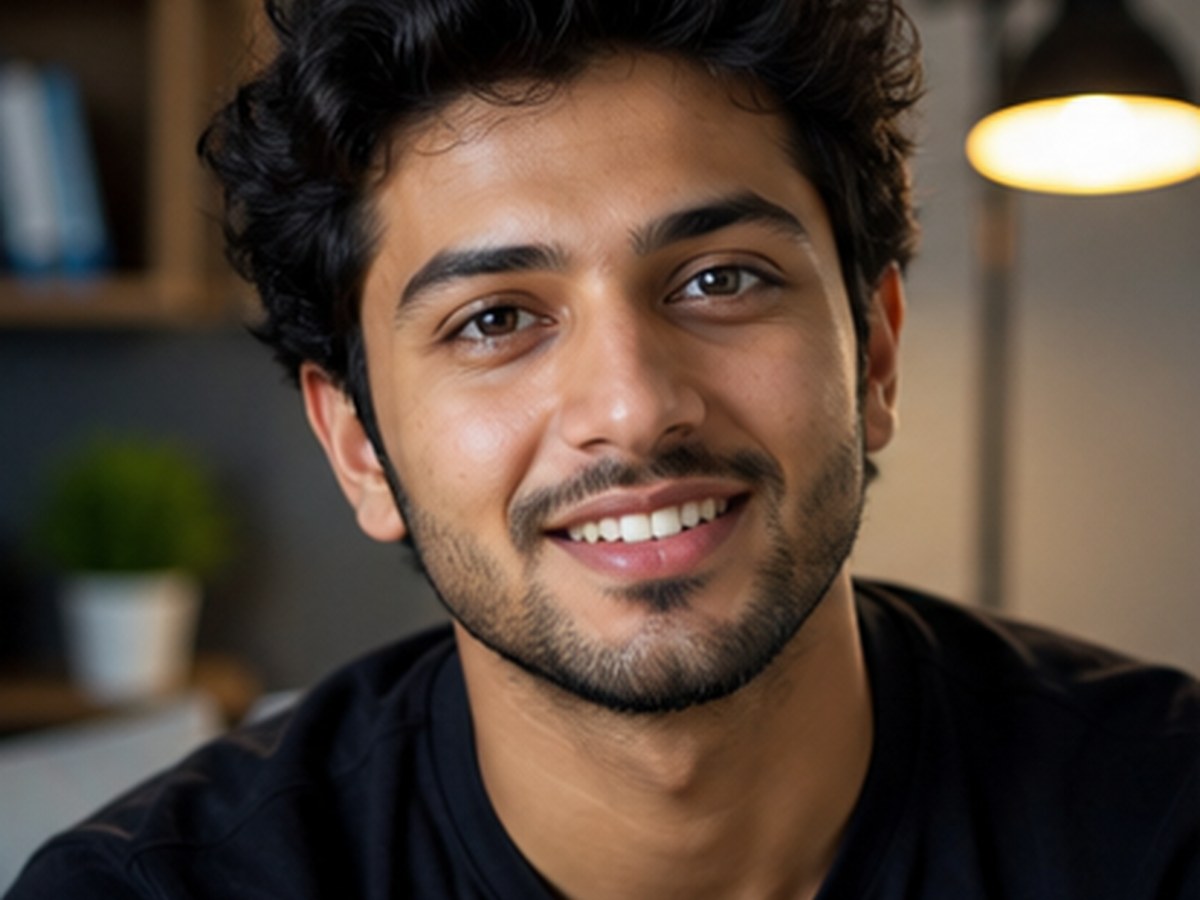
Circular name DP

Circular Name DP AI Photo Prompts

Use this direction when the final asset must work as a small circular profile picture and still keep the face and chosen display name readable. Plan the portrait, crop-safe border, background, and text zone separately so the tool does not distort identity or spelling.

Independent resource hub. Not affiliated with any official RSP app or editor. This site helps you write prompts and follow workflows; it does not generate, edit, upload, or store photos.

ChatGPTGeminiCanvaPicsArt
Circular Name DP AI Photo Prompts for Profile Pictures visual reference
Circular Name DP AI Photo Prompts for Profile PicturesProfile picture with name
Browser-sidePrompt text is assembled in the page.
No uploadThis site never asks for photo files.
No storageNo prompt history is saved in P0.
Your own toolCopy the prompt to a third-party editor.

Profile identity guide

Design for the thumbnail before adding decoration

A useful name DP starts with a recognizable face, an exact display name, and a circular crop that stays readable at small sizes. Treat portrait, border, and lettering as separate controls so decorative effects never compete with identity.

  • Confirm the exact approved spelling before generating or replacing text.
  • Keep the eyes, chin, hair, and every letter inside the circular safe zone.
  • Review the final asset at thumbnail size and remove platform logos or unlicensed marks.

Copy-ready prompts

Start from a structured profile picture with name

Use these as prompt-writing references, then revise the subject, background, lighting, and output goal for your own source image.

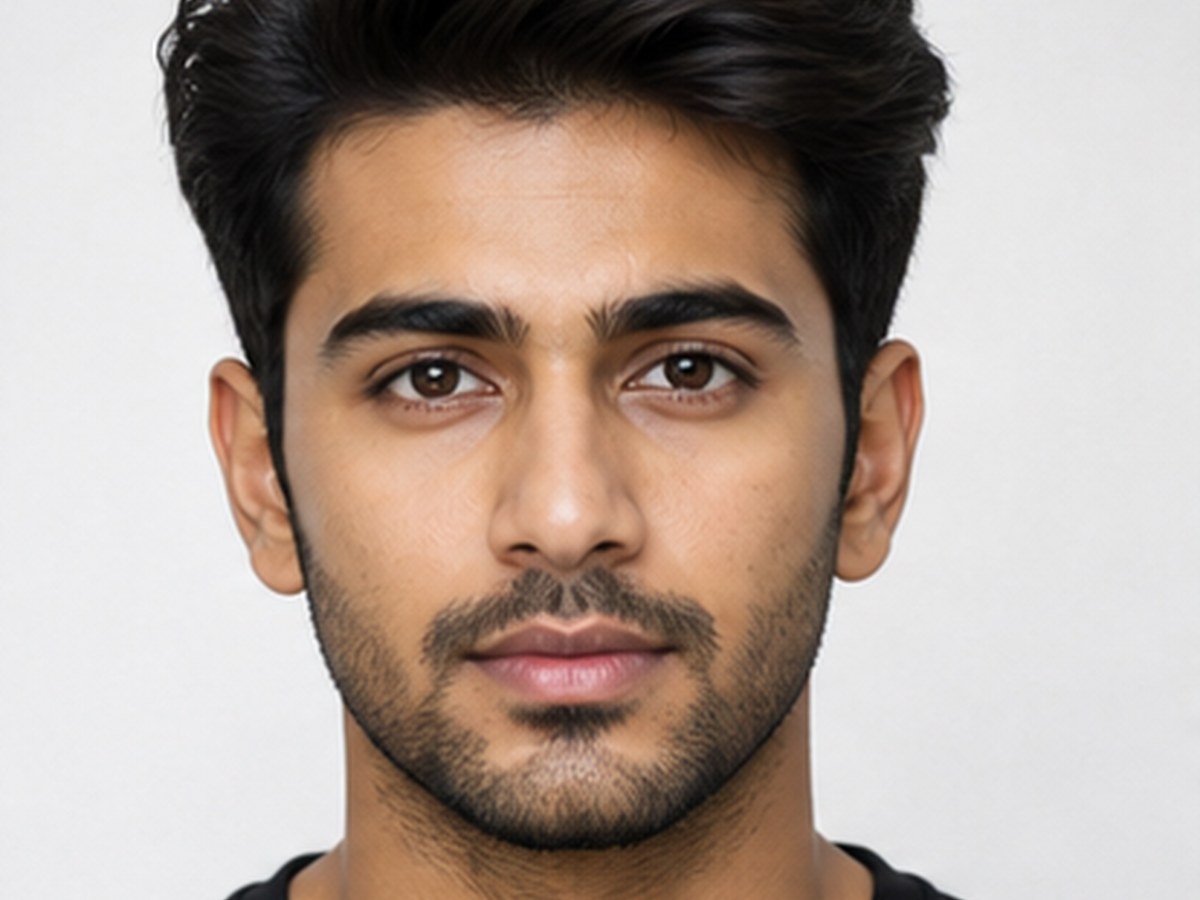
Clean circular name DP visual reference
Profile picture with name
Circular name DP Variant 1

Clean circular name DP

Best for a readable WhatsApp, Instagram, YouTube, or creator avatar.

ChatGPTGeminiCanva
PromptCopy-ready

Create a clean circular profile-picture brief from a consented portrait. Keep the face centered and recognizable, use a simple dark-to-warm gradient background, add a thin high-contrast circular border, and reserve a clear lower arc for the exact display name [NAME]. Keep all hair, chin, shoulders, and lettering inside a 1:1 circular-crop safe zone.
Adapt in Builder
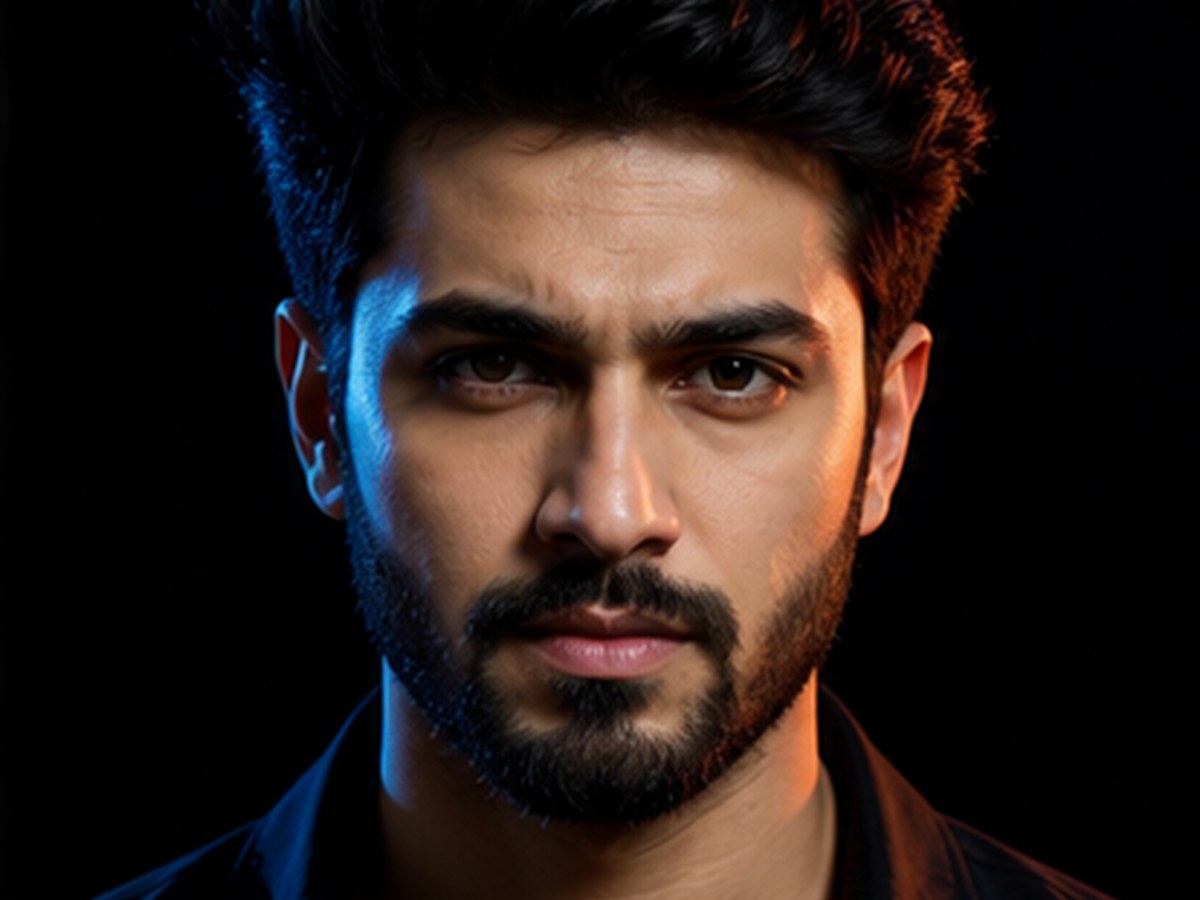
Neon creator name DP visual reference
Profile picture with name
Circular name DP Variant 2

Neon creator name DP

Use this for a higher-contrast creator profile without copying a platform template.

ChatGPTGeminiCanva
PromptCopy-ready

Write an AI photo prompt for a modern circular creator DP with the consented subject in the center, natural skin texture, controlled blue and magenta rim light, a clean dark background, and the exact text [NAME] in one readable line below the face. No platform logo, no extra words, no cropped letters, and no change to facial identity.

Adapt in Builder
Name DP correction prompt visual reference
Profile picture with name
Circular name DP Variant 3

Name DP correction prompt

Use this after generation when the composition works but the lettering does not.

ChatGPTGeminiCanva
PromptCopy-ready

Correct this circular name DP without redesigning the person. Preserve the approved face, hair, expression, border, and background; replace all generated text with the exact spelling [NAME], center it within the safe text zone, remove duplicate letters, and keep the result legible at 96-pixel thumbnail size.

Adapt in Builder

Review before publishing

Avoid unsupported claims

  • Do not use a name, handle, logo, or likeness you are not allowed to publish.
  • Do not let decorative text cover the eyes, chin, or circular crop boundary.
  • Review spelling, face identity, contrast, and thumbnail readability before publishing.
  • Use only images, likenesses, and source materials you have rights to use.

Circular name DP FAQ

Is RSP Editing AI official?

No. RSP Editing AI is an independent resource hub for RSP-style prompts and workflows. It is not affiliated with, endorsed by, sponsored by, or connected to any official RSP app, editor, company, or trademark holder.

Does this site generate or edit images?

No. The site provides prompts, a browser-side prompt builder, and workflow guides. It does not generate, edit, upload, or store images in P0.

What tools do these prompts work with?

The prompts can be adapted for third-party tools such as ChatGPT, Gemini, CapCut, VN, Lightroom, Snapseed, PicsArt, and similar creative tools.

Are results guaranteed?

No. Results depend on the source image, tool, model behavior, settings, and manual review.