
Workflow guide
ChatGPT Photo Editing Prompt Workflow
Use this workflow when you have a rough photo idea and need a clearer prompt brief before moving into a third-party creative tool.
Independent resource hub. Not affiliated with any official RSP app or editor. This site helps you write prompts and follow workflows; it does not generate, edit, upload, or store photos.
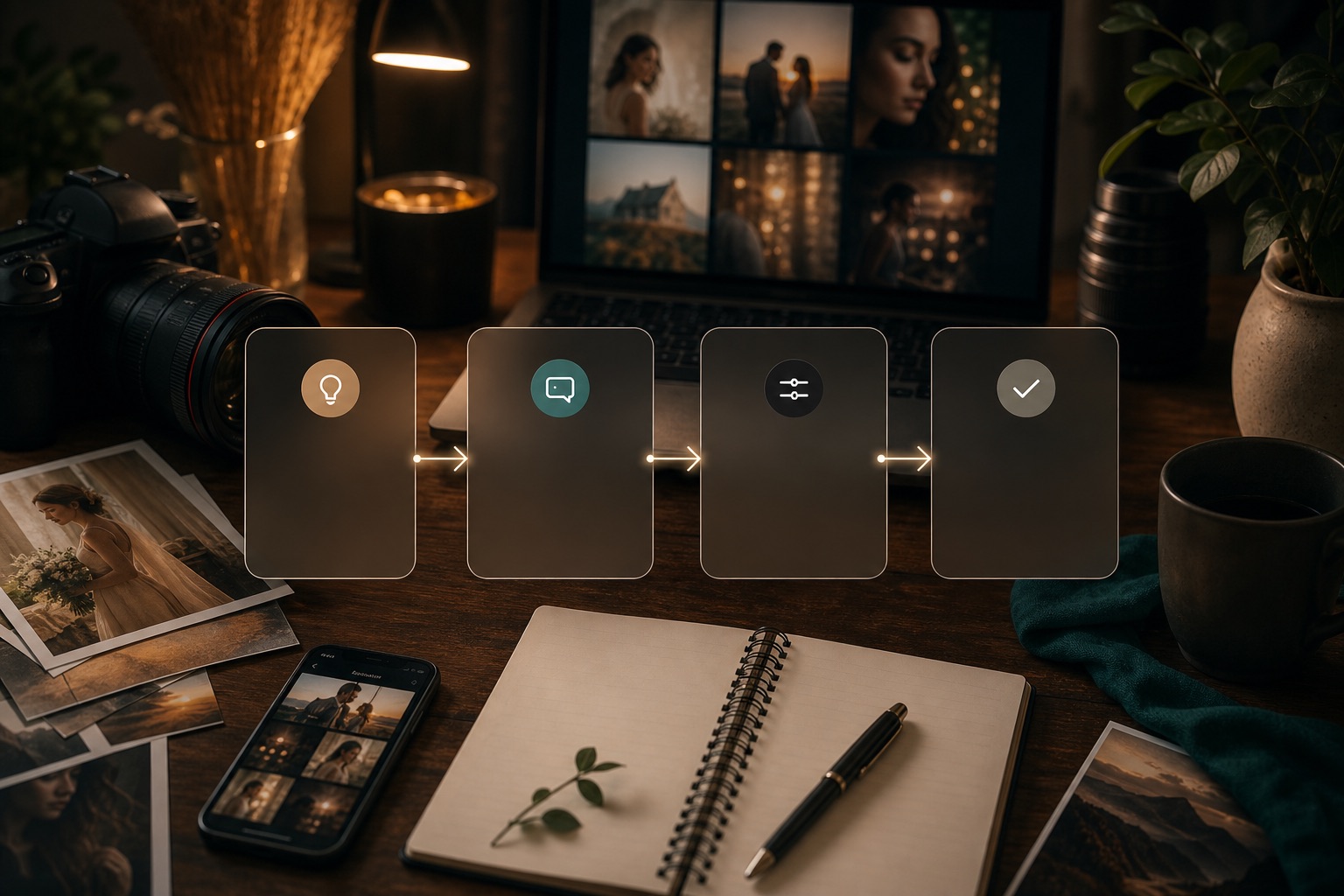
Steps
Use this as a checklist before moving prompt text into a third-party tool.
Describe the subject, scene, and output goal in one plain sentence.
Ask ChatGPT to structure the idea into subject, background, lighting, lens feel, style, and editing notes.
Remove unsupported claims, protected brand references, and details you cannot verify.
Copy the refined prompt into your chosen third-party tool and compare a few variations.
Manually review the output before publishing or using it commercially.
Prompt anatomy
Make each prompt controllable
Stitch's workflow screen pushed this section into tokenized prompt structure, so users can scan the variables before copying text into their own tool.
Turn this idea into a concise RSP-style photo editing prompt: a clean creator portrait with soft window light, neutral background, natural skin tone, and a square social profile crop.
Example prompt brief
Turn this idea into a concise RSP-style photo editing prompt: a clean creator portrait with soft window light, neutral background, natural skin tone, and a square social profile crop.
Related categories
All categoriesBridal
Use these bridal prompt structures for ceremony portraits, dress details, soft couple frames, and elegant social posts. Each prompt is copy-ready and meant for third-party creative tools.
Portrait
These portrait prompts help creators describe lighting, face framing, background control, and finish notes for profile photos, headshots, and editorial-style posts.
DP / Profile
Build clean profile and display-picture prompts with face framing, background simplicity, contrast control, and crop guidance for social platforms.
Apply this workflow
Practice with a focused prompt guide
These pages turn the workflow into a specific scene, layer, scale, or publishing task.
Instagram Viral Cinematic AI Editing Prompts
Use this page when you want a dramatic, social-ready cinematic edit direction without copying a fixed template. Start from a prompt, adapt the subject and setting, then test it inside the third-party tool you already use.
Open focused guideDouble Exposure AI Photo Editing Prompts
Use double exposure prompts when you want a portrait or couple image blended with a travel, skyline, or mood background while keeping the source subject readable.
Open focused guideMiniature AI Photo Editing Prompts
Use miniature prompts when you want a playful tiny-world scene around a person, product, or profile idea while keeping scale cues and subject clarity controlled.
Open focused guideWorkflow FAQ
Is RSP Editing AI official?
No. RSP Editing AI is an independent resource hub for RSP-style prompts and workflows. It is not affiliated with, endorsed by, sponsored by, or connected to any official RSP app, editor, company, or trademark holder.
Does this site generate or edit images?
No. The site provides prompts, a browser-side prompt builder, and workflow guides. It does not generate, edit, upload, or store images in P0.
Are results guaranteed?
No. Results depend on the source image, tool, model behavior, settings, and manual review.