
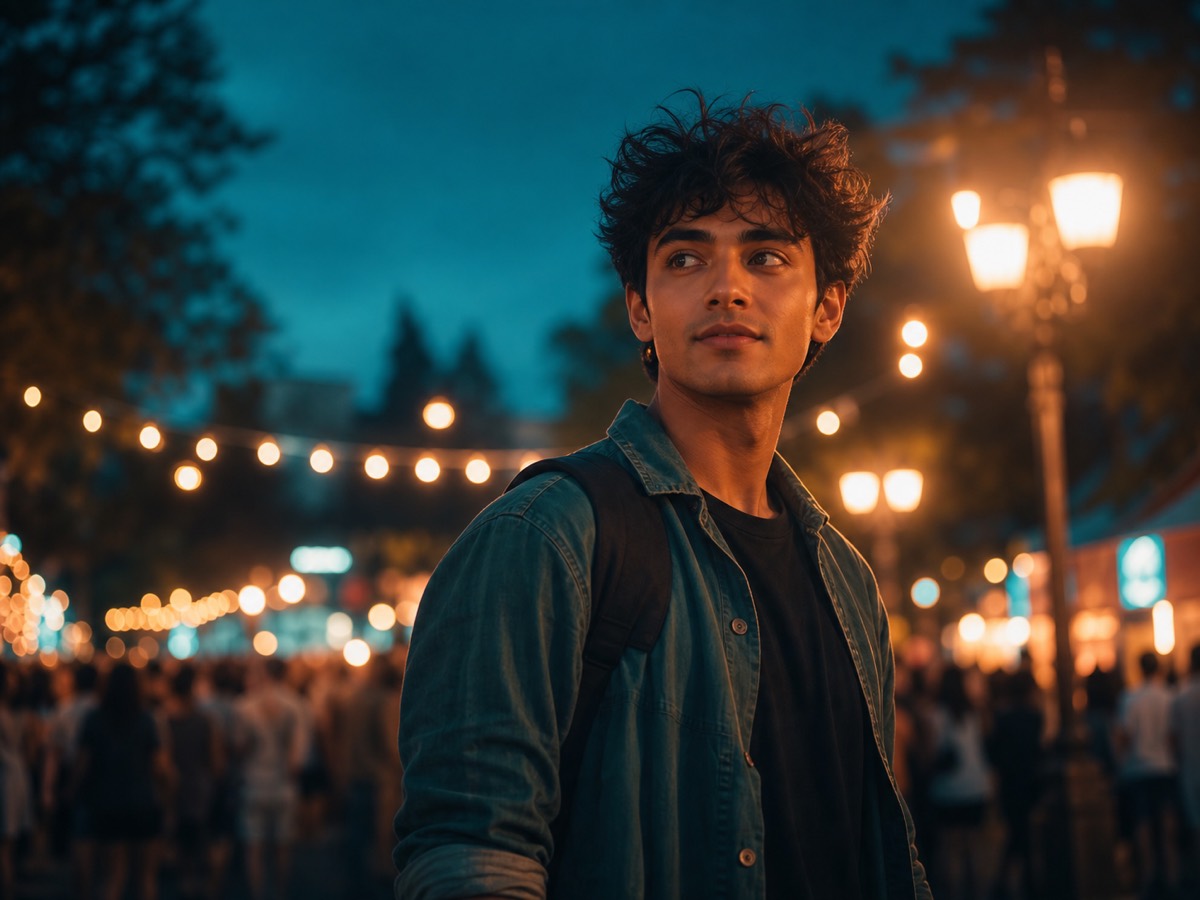
Festival procession

Festival Procession AI Video Prompts

Use this direction for a generic festival arrival or procession-inspired short video without claiming a real event, deity appearance, venue, or attendance. Build the scene from a stable establishing frame, respectful cultural detail, crowd separation, one subject reveal, and a caption-safe ending.

Independent resource hub. Not affiliated with any official RSP app or editor. This site helps you write prompts and follow workflows; it does not generate, edit, upload, or store photos.

ChatGPTGeminiCapCutVN
Festival Procession AI Video Prompts for Vertical Reels visual reference
Festival Procession AI Video Prompts for Vertical ReelsRespectful arrival sequence
Browser-sidePrompt text is assembled in the page.
No uploadThis site never asks for photo files.
No storageNo prompt history is saved in P0.
Your own toolCopy the prompt to a third-party editor.

Cultural scene guide

Build a respectful arrival sequence without false documentary cues

Use a stable establishing view, believable walking pace, safe crowd separation, and a caption-ready ending. Keep the scene generic unless the event, place, symbols, and organizers have been verified, and never present generated footage as a real procession.

  • Separate the establishing frame, arrival beat, subject reveal, and final hold.
  • Review symbols, clothing, signage, crowd behavior, and cultural context for accuracy.
  • Remove invented event names, unsafe movement, fake attendance claims, and unlicensed music cues.

Copy-ready prompts

Start from a structured respectful arrival sequence

Use these as prompt-writing references, then revise the subject, background, lighting, and output goal for your own source image.

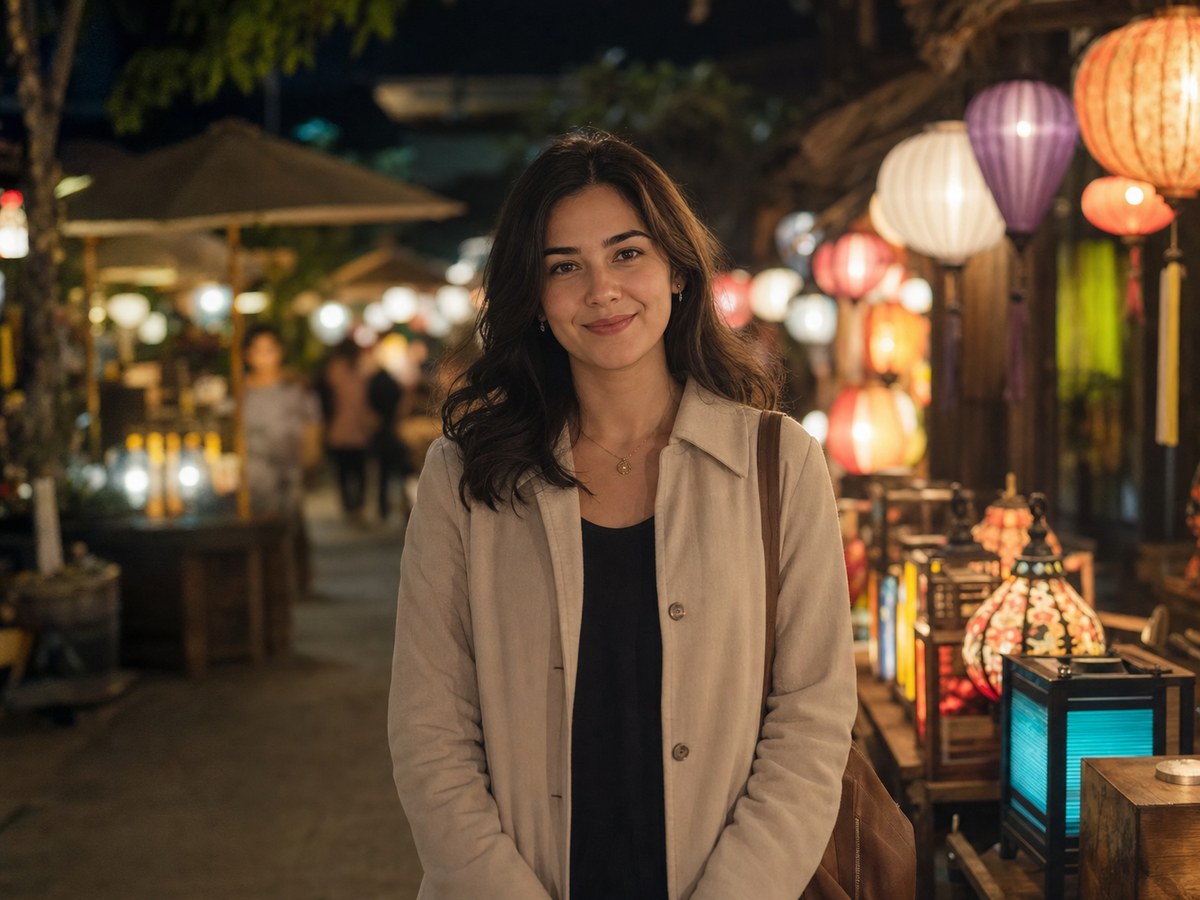
Procession arrival shot plan visual reference
Respectful arrival sequence
Festival procession Variant 1

Procession arrival shot plan

Best for an arrival sequence that keeps culture, safety, and context explicit.

ChatGPTGeminiCapCut
PromptCopy-ready

Plan a 10-second vertical festival-procession-inspired video using a fictional scene. Begin with a stable wide street frame and respectful decorations, introduce the procession at walking speed with clear crowd separation, then reveal one consented subject from the side of the frame and finish on a caption-safe medium shot. Use warm evening light, realistic fabric motion, generic signage, and no claim of a real event or location.
Adapt in Builder
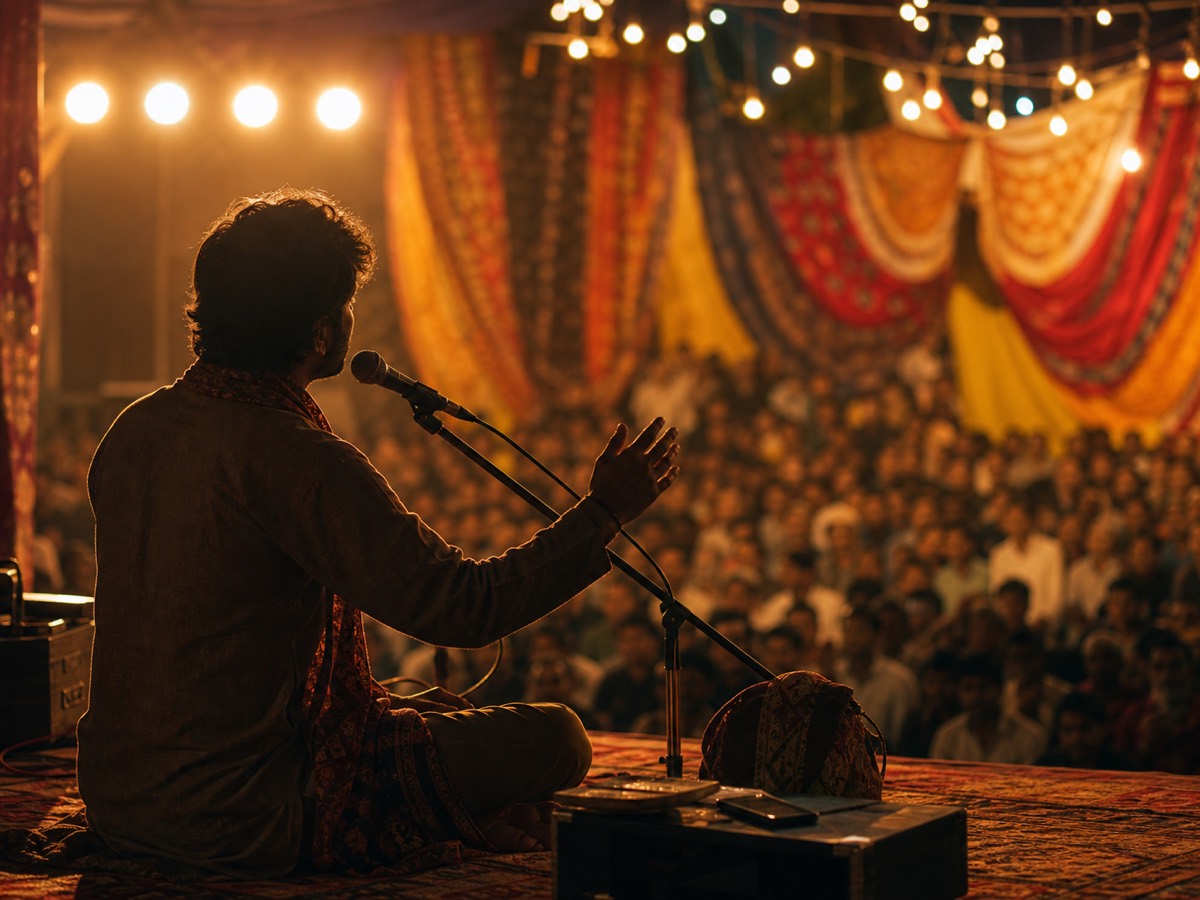
Window-view festival reveal visual reference
Respectful arrival sequence
Festival procession Variant 2

Window-view festival reveal

Use this for a controlled reveal without copying a specific viral clip.

ChatGPTGeminiCapCut
PromptCopy-ready

Write a vertical video brief from a fixed upper-window viewpoint: quiet decorated street, distant generic festival procession entering frame, restrained ambient movement, one consented foreground subject appearing only after the route is clear, and a final two-second hold for a truthful caption. Avoid religious impersonation, unsafe crowd density, brand marks, and invented event footage.

Adapt in Builder
Cultural review correction visual reference
Respectful arrival sequence
Festival procession Variant 3

Cultural review correction

Use this before publishing a culture-sensitive generated scene.

ChatGPTGeminiCapCut
PromptCopy-ready

Revise this generated festival procession sequence for respectful accuracy. Keep the approved composition but remove invented organization names, incorrect symbols, duplicated crowd faces, unsafe vehicle proximity, dramatic speed ramps, and fake documentary cues. Preserve readable clothing detail, realistic walking motion, generic decorations, and a clear disclosure-ready caption area.

Adapt in Builder

Review before publishing

Avoid unsupported claims

  • Do not present a generated scene as footage from a real festival, procession, or place.
  • Do not invent sacred symbols, official organizers, crowd counts, or devotional claims.
  • Review cultural details, crowd safety, face identity, text, music rights, and motion before publishing.
  • Use only images, likenesses, and source materials you have rights to use.

Festival procession FAQ

Is RSP Editing AI official?

No. RSP Editing AI is an independent resource hub for RSP-style prompts and workflows. It is not affiliated with, endorsed by, sponsored by, or connected to any official RSP app, editor, company, or trademark holder.

Does this site generate or edit images?

No. The site provides prompts, a browser-side prompt builder, and workflow guides. It does not generate, edit, upload, or store images in P0.

What tools do these prompts work with?

The prompts can be adapted for third-party tools such as ChatGPT, Gemini, CapCut, VN, Lightroom, Snapseed, PicsArt, and similar creative tools.

Are results guaranteed?

No. Results depend on the source image, tool, model behavior, settings, and manual review.