
Workflow guide
AI Video RSP Editing Workflow for CapCut and VN
Use this AI video RSP editing workflow to turn a safe prompt idea into a practical mobile checklist for CapCut, VN, and similar social tools.
Independent resource hub. Not affiliated with any official RSP app or editor. This site helps you write prompts and follow workflows; it does not generate, edit, upload, or store photos.
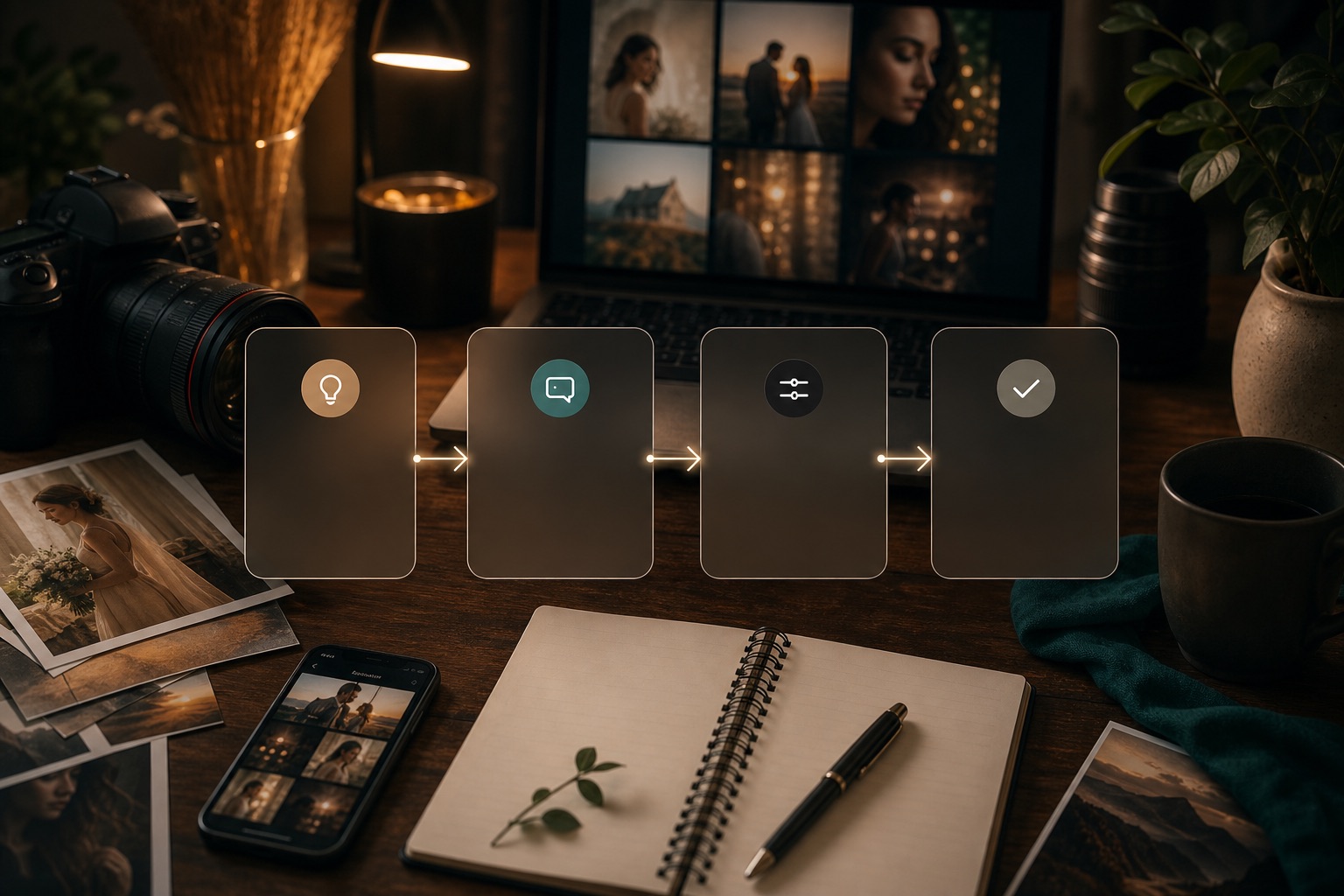
Steps
Use this as a checklist before moving prompt text into a third-party tool.
Pick the prompt category and decide the social format: post, story, reel cover, or profile image.
Use the prompt to define mood, color, background, and crop.
Apply mobile edits manually: exposure, contrast, warmth, sharpness, and background cleanup where the tool supports it.
Keep overlays, text, and music rights separate from the prompt.
Export only after checking faces, text, and platform crop.
Prompt anatomy
Make each prompt controllable
Stitch's workflow screen pushed this section into tokenized prompt structure, so users can scan the variables before copying text into their own tool.
Plan a mobile RSP-style edit for a festival portrait with warm decorative lights, clear face framing, and a vertical reel-cover crop.
Example prompt brief
Plan a mobile RSP-style edit for a festival portrait with warm decorative lights, clear face framing, and a vertical reel-cover crop.
Related categories
All categoriesCouple
Start with a copy-ready couple prompt, then adjust the setting, lighting, expression, pose, and social crop for the third-party tool you use.
Festival
Use festival prompts to plan seasonal mood, themed color, lighting, decor, and social-ready composition without making claims about brands, events, or rights you do not hold.
DP / Profile
Build clean profile and display-picture prompts with face framing, background simplicity, contrast control, and crop guidance for social platforms.
Apply this workflow
Practice with a focused prompt guide
These pages turn the workflow into a specific scene, layer, scale, or publishing task.
Gujarati Dayro AI Video Editing Prompts
Use Gujarati Dayro prompts as a cultural stage and performance-inspired style direction, not as a claim about a real artist, event, venue, or song. Start with a still prompt, then adapt motion inside a third-party video tool.
Open focused guideInstagram Viral Cinematic AI Editing Prompts
Use this page when you want a dramatic, social-ready cinematic edit direction without copying a fixed template. Start from a prompt, adapt the subject and setting, then test it inside the third-party tool you already use.
Open focused guideWorkflow FAQ
Is RSP Editing AI official?
No. RSP Editing AI is an independent resource hub for RSP-style prompts and workflows. It is not affiliated with, endorsed by, sponsored by, or connected to any official RSP app, editor, company, or trademark holder.
Can I reference events, brands, or cultural materials?
Use only references you have rights to use and avoid implying endorsement, sponsorship, or official event access.
Are results guaranteed?
No. Results depend on the source image, tool, model behavior, settings, and manual review.