
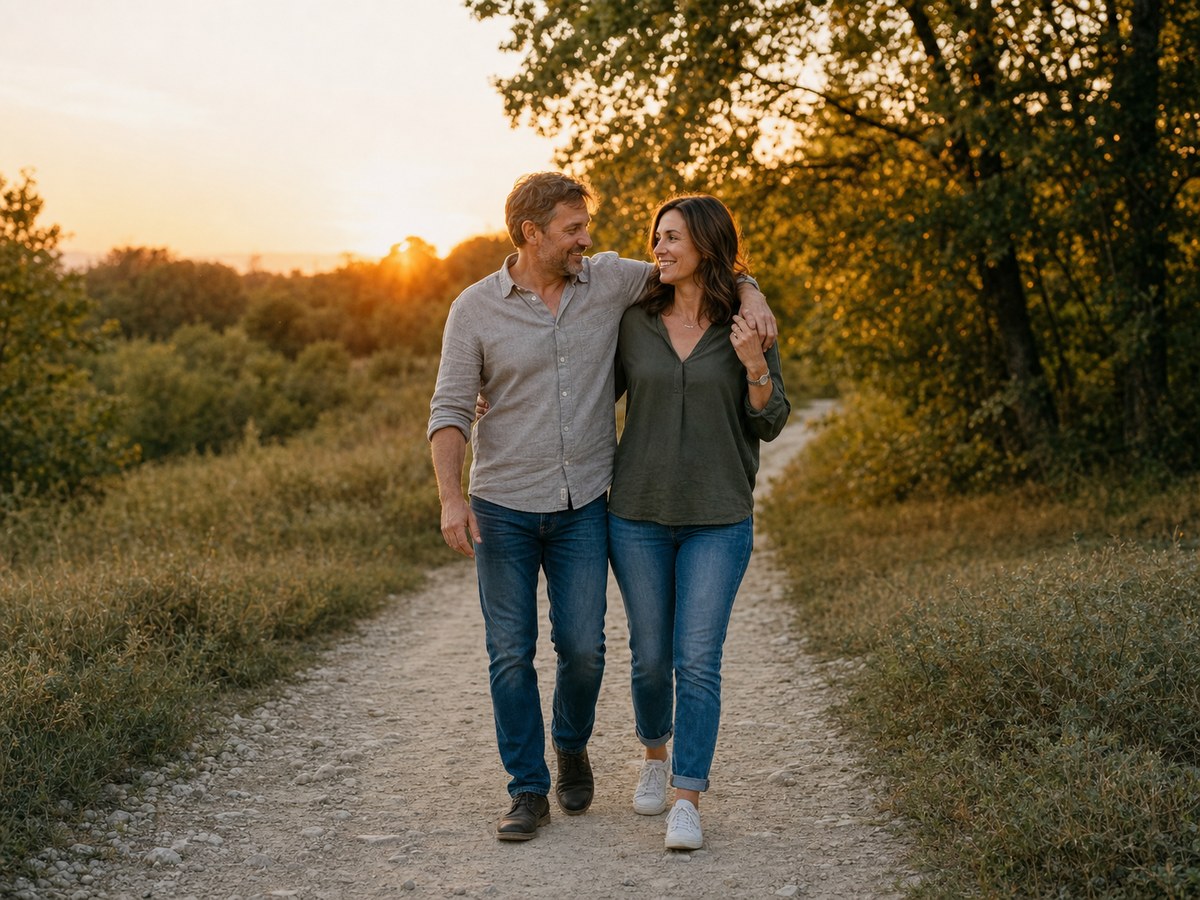
Slow motion reveal

Photo-to-Video Slow Motion Reveal Prompts

Use this page when you have one approved portrait and need a short motion plan, not a full multi-scene story. Lock identity and framing first, then define one camera move, one subject action, the slow-motion window, and a clean ending that can loop or hold for text.

Independent resource hub. Not affiliated with any official RSP app or editor. This site helps you write prompts and follow workflows; it does not generate, edit, upload, or store photos.

ChatGPTGeminiCapCutVN
Photo-to-Video Slow Motion Reveal Prompts and Workflow visual reference
Photo-to-Video Slow Motion Reveal Prompts and WorkflowSingle-photo motion brief
Browser-sidePrompt text is assembled in the page.
No uploadThis site never asks for photo files.
No storageNo prompt history is saved in P0.
Your own toolCopy the prompt to a third-party editor.

Motion planning guide

Animate one believable action instead of inventing a new scene

Lock the approved source image first, then specify one camera move, one supported subject action, one slow-motion window, and either a loop or caption hold. Restrained motion makes face, limbs, fabric, and background easier to review.

  • Confirm the source pose and frame edges can support the requested movement.
  • Name the start frame, motion window, speed change, and final hold in seconds.
  • Inspect face drift, hands, floor contact, fabric physics, background warping, and loop seams.

Copy-ready prompts

Start from a structured single-photo motion brief

Use these as prompt-writing references, then revise the subject, background, lighting, and output goal for your own source image.

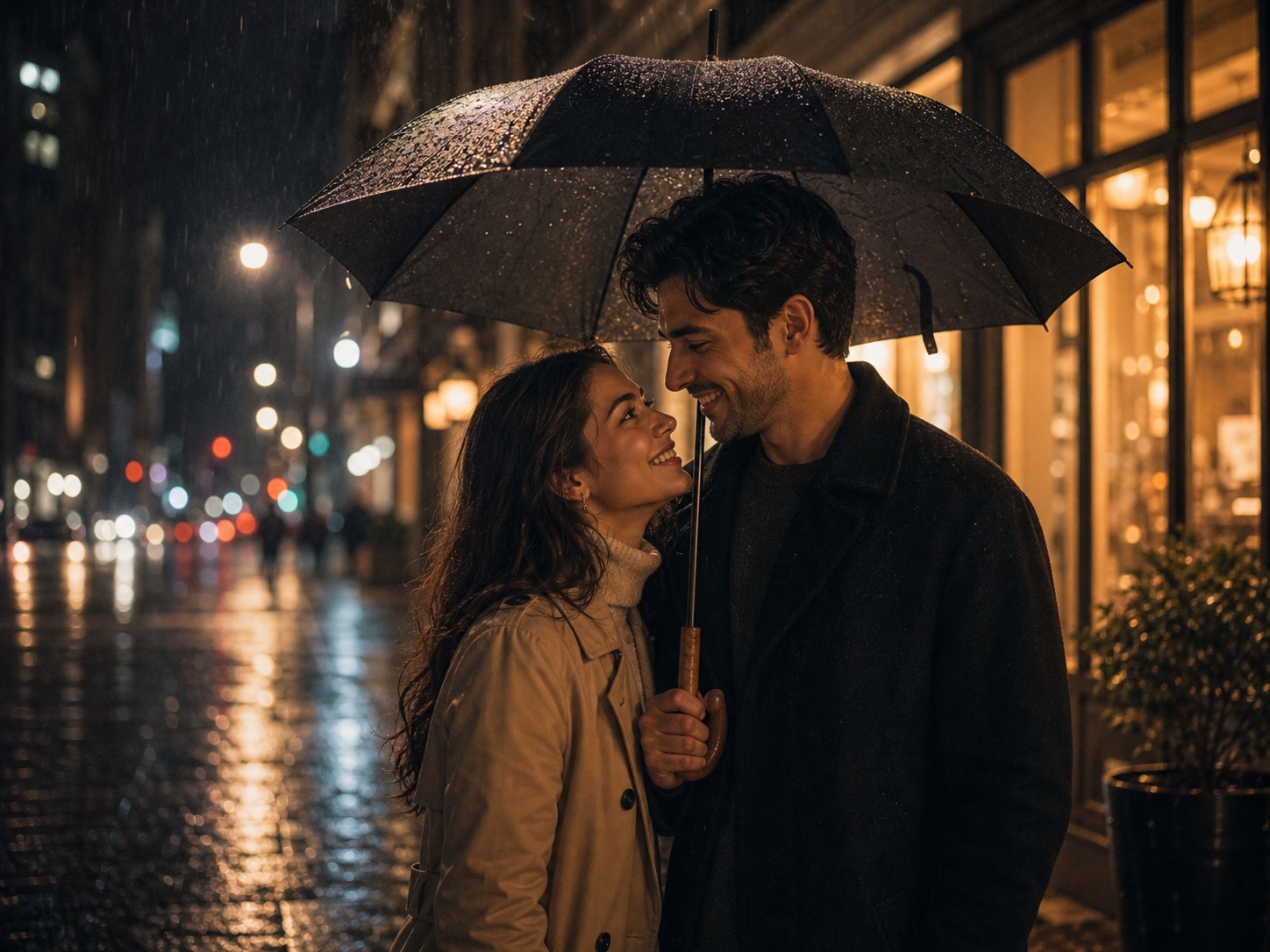
Subtle portrait push-in visual reference
Single-photo motion brief
Slow motion reveal Variant 1

Subtle portrait push-in

Best for a calm profile or creator reveal from one still image.

ChatGPTGeminiCapCut
PromptCopy-ready

Animate one consented portrait into an 8-second vertical clip. Keep the face, hairstyle, clothing, background layout, and lighting unchanged. Use a single subtle camera push-in, natural blinking and breathing, a small head turn between seconds 3 and 5, 70% slow motion only during that turn, and a steady two-second final hold for text. No extra people, no new objects, and no face reshaping.
Adapt in Builder
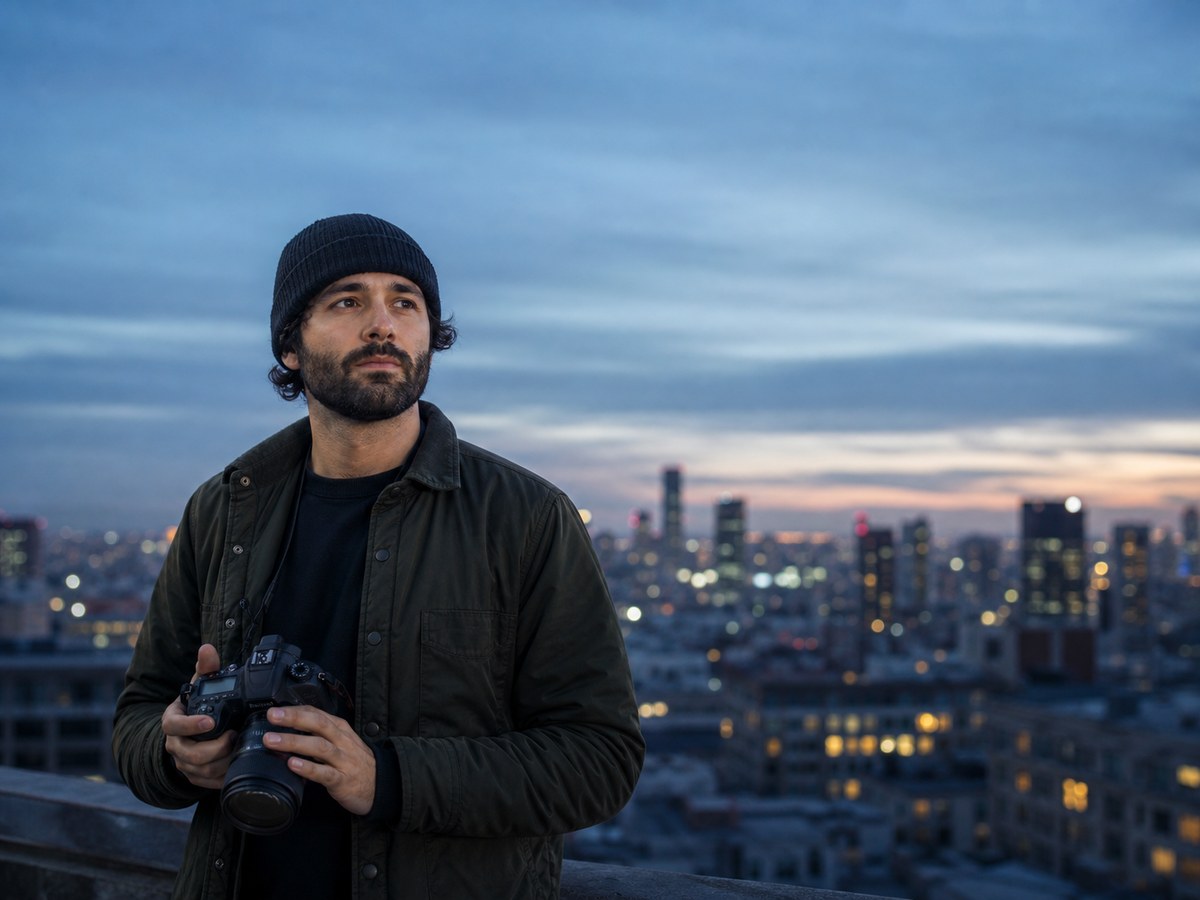
Side-entry reveal visual reference
Single-photo motion brief
Slow motion reveal Variant 2

Side-entry reveal

Use only when the source image has enough edge space and a plausible standing pose.

ChatGPTGeminiCapCut
PromptCopy-ready

Create a 9-second photo-to-video brief from the approved full-body source. Preserve identity, outfit, floor contact, and scene perspective. Start on the empty side of the existing composition, use a gentle lateral camera move as the subject takes one believable step into the center, slow the motion from seconds 4 to 6, then settle into the original pose with a clean loop-ready ending.

Adapt in Builder
Motion artifact repair visual reference
Single-photo motion brief
Slow motion reveal Variant 3

Motion artifact repair

Use this when the first animation draft introduces face drift or warped motion.

ChatGPTGeminiCapCut
PromptCopy-ready

Repair this photo-to-video reveal without changing the approved portrait. Reduce motion amplitude, keep eyes and mouth stable, restore correct hands and limb count, stop background bending, preserve clothing texture and floor contact, and make the last 12 frames match the opening composition closely enough for a clean loop or caption hold.

Adapt in Builder

Review before publishing

Avoid unsupported claims

  • Do not add movements that the source pose, clothing, or environment cannot support.
  • Do not claim a third-party tool can preserve identity or resolution perfectly.
  • Review face drift, limb motion, fabric physics, background warping, captions, and loop seams.
  • Use only images, likenesses, and source materials you have rights to use.

Slow motion reveal FAQ

Is RSP Editing AI official?

No. RSP Editing AI is an independent resource hub for RSP-style prompts and workflows. It is not affiliated with, endorsed by, sponsored by, or connected to any official RSP app, editor, company, or trademark holder.

Does this site generate or edit images?

No. The site provides prompts, a browser-side prompt builder, and workflow guides. It does not generate, edit, upload, or store images in P0.

What tools do these prompts work with?

The prompts can be adapted for third-party tools such as ChatGPT, Gemini, CapCut, VN, Lightroom, Snapseed, PicsArt, and similar creative tools.

Are results guaranteed?

No. Results depend on the source image, tool, model behavior, settings, and manual review.