
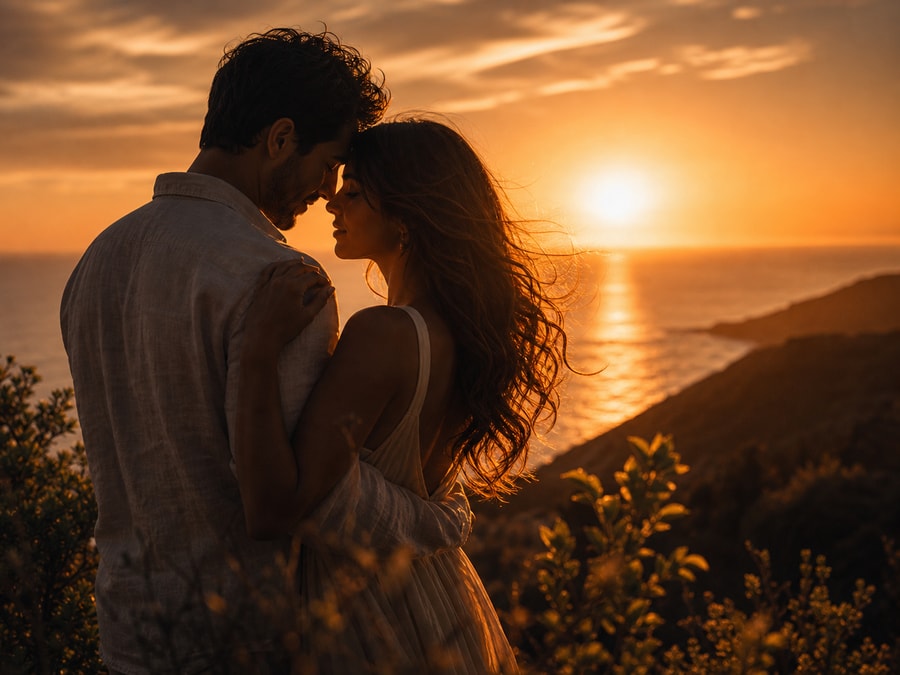
Love story video

Cinematic Love Story AI Video Prompts

Use this page to plan a short fictional relationship scene as a sequence of camera beats rather than one overloaded prompt. Define both consented or fictional characters, the meeting point, shot duration, movement, continuity, and vertical safe zones before choosing a third-party video tool.

Independent resource hub. Not affiliated with any official RSP app or editor. This site helps you write prompts and follow workflows; it does not generate, edit, upload, or store photos.

ChatGPTGeminiCapCutVN
Cinematic Love Story AI Video Prompts and Shot Plans visual reference
Cinematic Love Story AI Video Prompts and Shot PlansTimed cinematic shot plan
Browser-sidePrompt text is assembled in the page.
No uploadThis site never asks for photo files.
No storageNo prompt history is saved in P0.
Your own toolCopy the prompt to a third-party editor.

Short-story guide

Turn a mood into three to five connected beats

Define the characters, location, meeting point, shot duration, and screen direction before asking for cinematic treatment. A short sequence needs continuity more than extra effects, and it should remain an original scene rather than an imitation of a film, song, or creator.

  • Write each beat with its own framing, duration, movement, and transition.
  • Lock face identity, wardrobe, lighting direction, and screen direction across shots.
  • Check likeness consent, road safety, music rights, captions, and vertical crop separately.

Copy-ready prompts

Start from a structured timed cinematic shot plan

Use these as prompt-writing references, then revise the subject, background, lighting, and output goal for your own source image.

Three-beat meeting scene visual reference
Timed cinematic shot plan
Love story video Variant 1

Three-beat meeting scene

Best for a simple narrative with clear continuity and no dramatic stunt.

ChatGPTGeminiCapCut
PromptCopy-ready

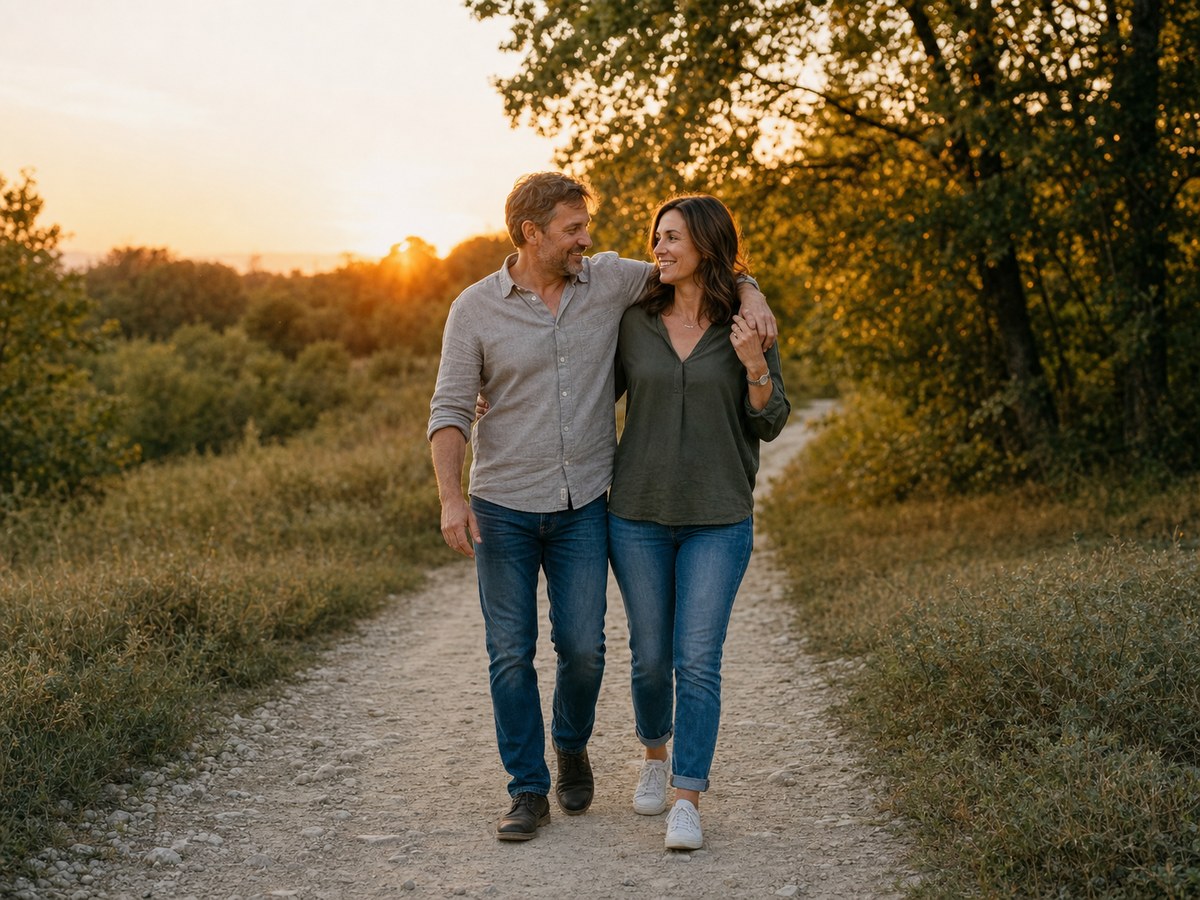
Plan a 12-second vertical cinematic love-story video with two consented or fictional adults. Beat 1 (0-4s): an establishing medium shot at a quiet tree-lined walkway. Beat 2 (4-8s): each character notices the other with restrained natural movement and consistent wardrobe. Beat 3 (8-12s): a gentle two-shot with clean eye lines and room for a truthful caption. Use stable faces, soft late-afternoon light, subtle camera motion, and no brand or film references.

Adapt in Builder
Rainy reunion storyboard visual reference
Timed cinematic shot plan
Love story video Variant 2

Rainy reunion storyboard

Use this when atmosphere and shot order matter more than a single visual effect.

ChatGPTGeminiCapCut
PromptCopy-ready

Write a five-shot vertical storyboard for a fictional rainy reunion: wet street establishing frame, separate close-ups, a slow approach, a shared umbrella two-shot, and a quiet final hold. Specify 2-3 seconds per shot, realistic rain interaction, consistent faces and clothing, safe pedestrian placement, subtle slow motion only on the final beat, and no copyrighted song or logo cues.

Adapt in Builder
Continuity repair prompt visual reference
Timed cinematic shot plan
Love story video Variant 3

Continuity repair prompt

Use this after a draft shows identity or scene-continuity errors.

ChatGPTGeminiCapCut
PromptCopy-ready

Repair this short love-story sequence while preserving the approved characters and story. Keep face identity, wardrobe colors, lighting direction, screen direction, and location consistent across every shot; remove duplicate people, sudden outfit changes, impossible hand contact, unsafe traffic, and unreadable caption space.

Adapt in Builder

Review before publishing

Avoid unsupported claims

  • Do not use a real person's likeness as a romantic partner without permission.
  • Do not imitate a film, actor, song, vehicle brand, or creator's exact scene.
  • Review face continuity, body motion, road safety, music rights, captions, and crop before publishing.
  • Use only images, likenesses, and source materials you have rights to use.

Love story video FAQ

Is RSP Editing AI official?

No. RSP Editing AI is an independent resource hub for RSP-style prompts and workflows. It is not affiliated with, endorsed by, sponsored by, or connected to any official RSP app, editor, company, or trademark holder.

Does this site generate or edit images?

No. The site provides prompts, a browser-side prompt builder, and workflow guides. It does not generate, edit, upload, or store images in P0.

What tools do these prompts work with?

The prompts can be adapted for third-party tools such as ChatGPT, Gemini, CapCut, VN, Lightroom, Snapseed, PicsArt, and similar creative tools.

Are results guaranteed?

No. Results depend on the source image, tool, model behavior, settings, and manual review.