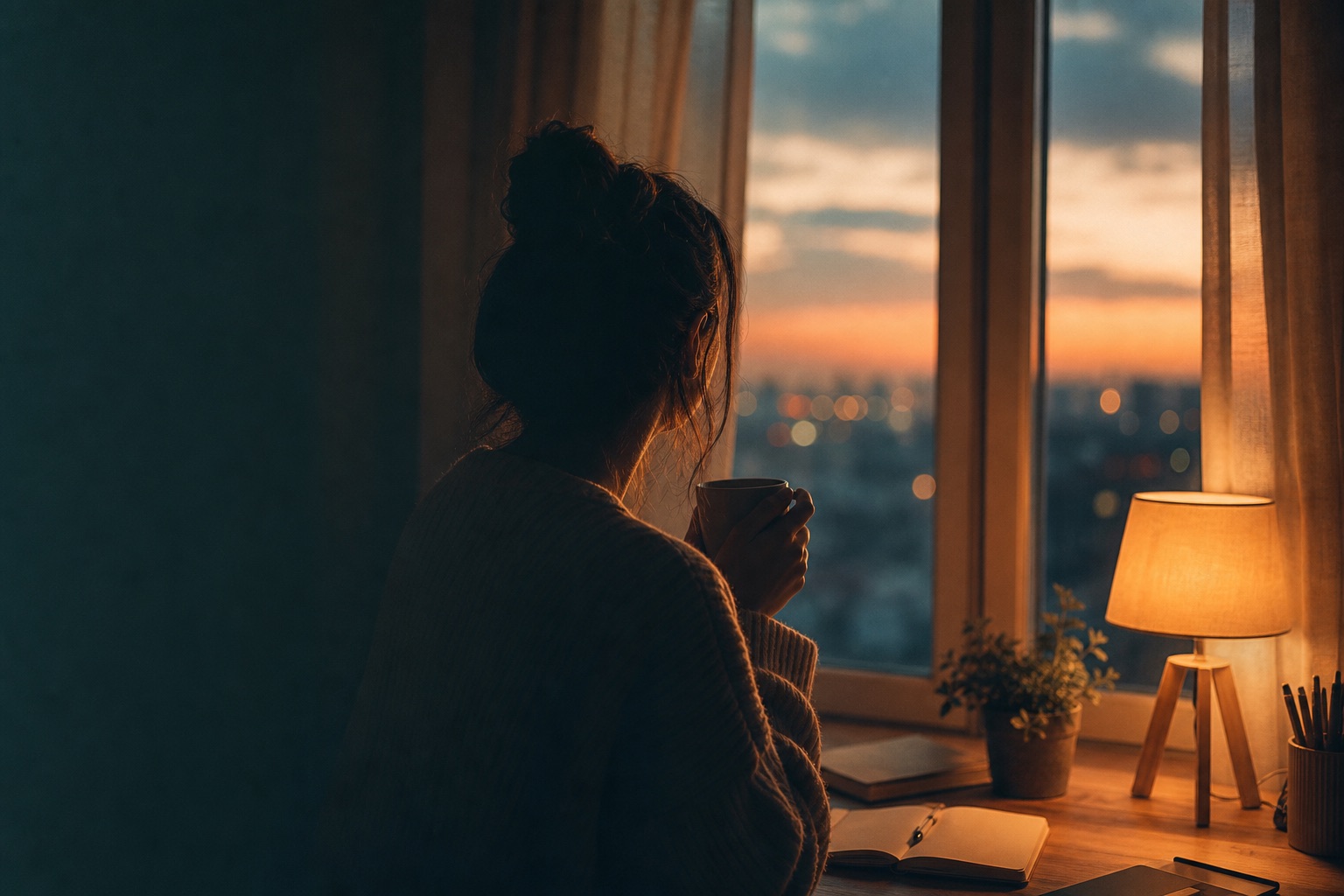
Use lofi dusk prompts when you want a calmer evening look with muted color, soft grain, warm window light, and restrained contrast.
Independent resource hub. Not affiliated with any official RSP app or editor. This site helps you write prompts and follow workflows; it does not generate, edit, upload, or store photos.
Works well when the source image already has evening or indoor warm light.
LightroomSnapseedChatGPT
PromptCopy-ready
Create a detailed AI photo editing prompt for a lofi dusk portrait. Include soft amber highlights, muted blue shadows, gentle film grain, controlled contrast, readable eyes, natural skin texture, and a relaxed social feed composition.
Use this when low-light photos risk losing face detail.
LightroomSnapseedChatGPT
PromptCopy-ready
Draft a safe lofi dusk prompt that avoids heavy face smoothing, fake film stock claims, crushed shadows, unreadable eyes, or unrealistic color casts, and asks for manual review before publishing.
No. RSP Editing AI is an independent resource hub for RSP-style prompts and workflows. It is not affiliated with, endorsed by, sponsored by, or connected to any official RSP app, editor, company, or trademark holder.
Does this site generate or edit images?
No. The site provides prompts, a browser-side prompt builder, and workflow guides. It does not generate, edit, upload, or store images in P0.
What tools do these prompts work with?
The prompts can be adapted for third-party tools such as ChatGPT, Gemini, CapCut, VN, Lightroom, Snapseed, PicsArt, and similar creative tools.
Are results guaranteed?
No. Results depend on the source image, tool, model behavior, settings, and manual review.