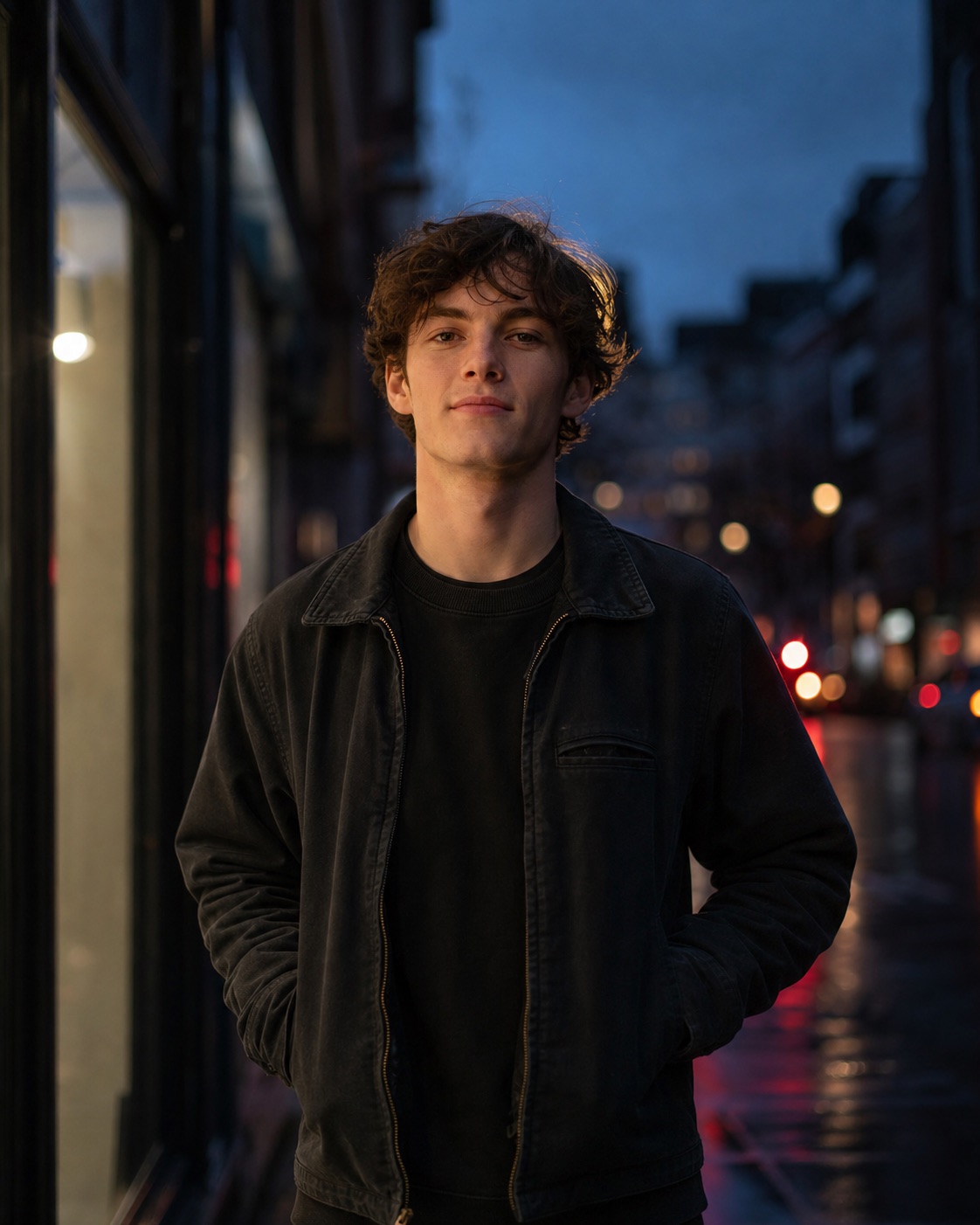
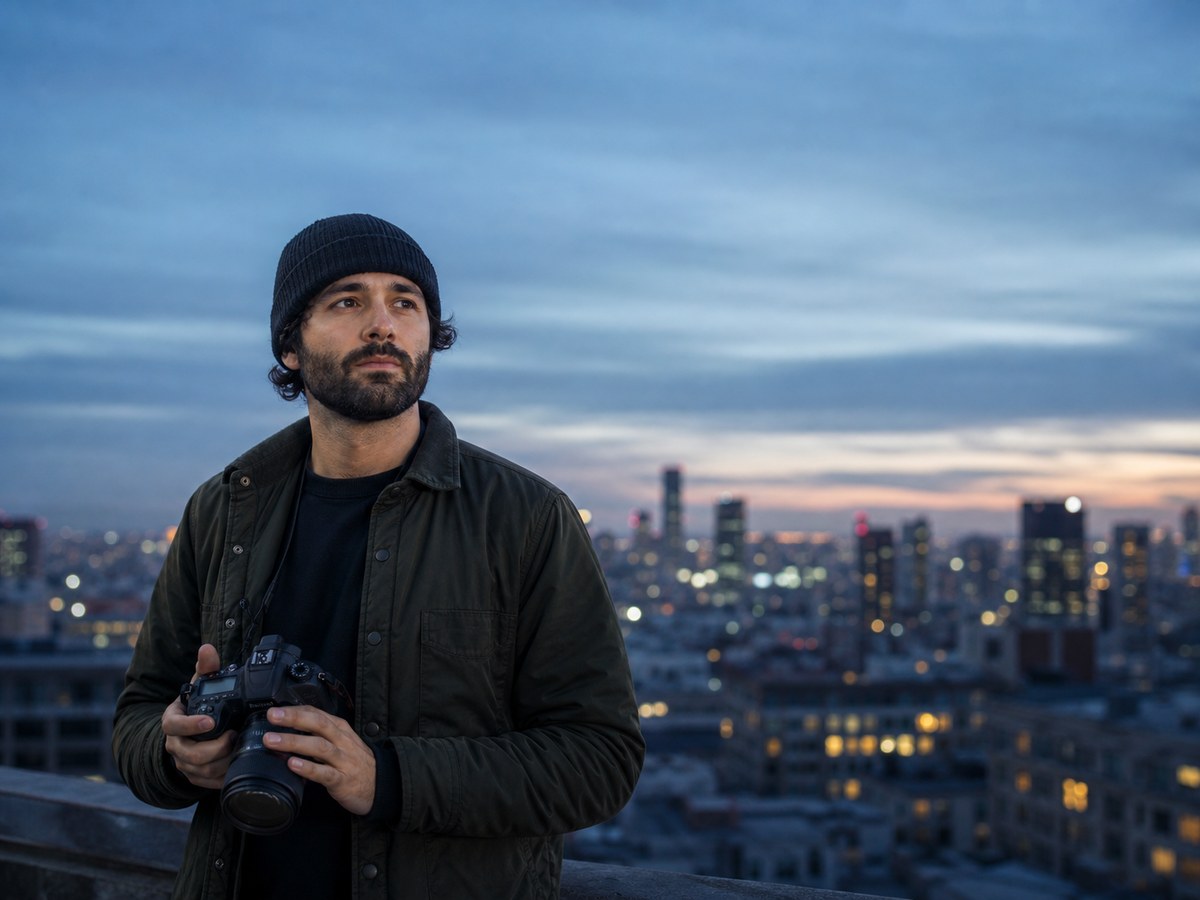
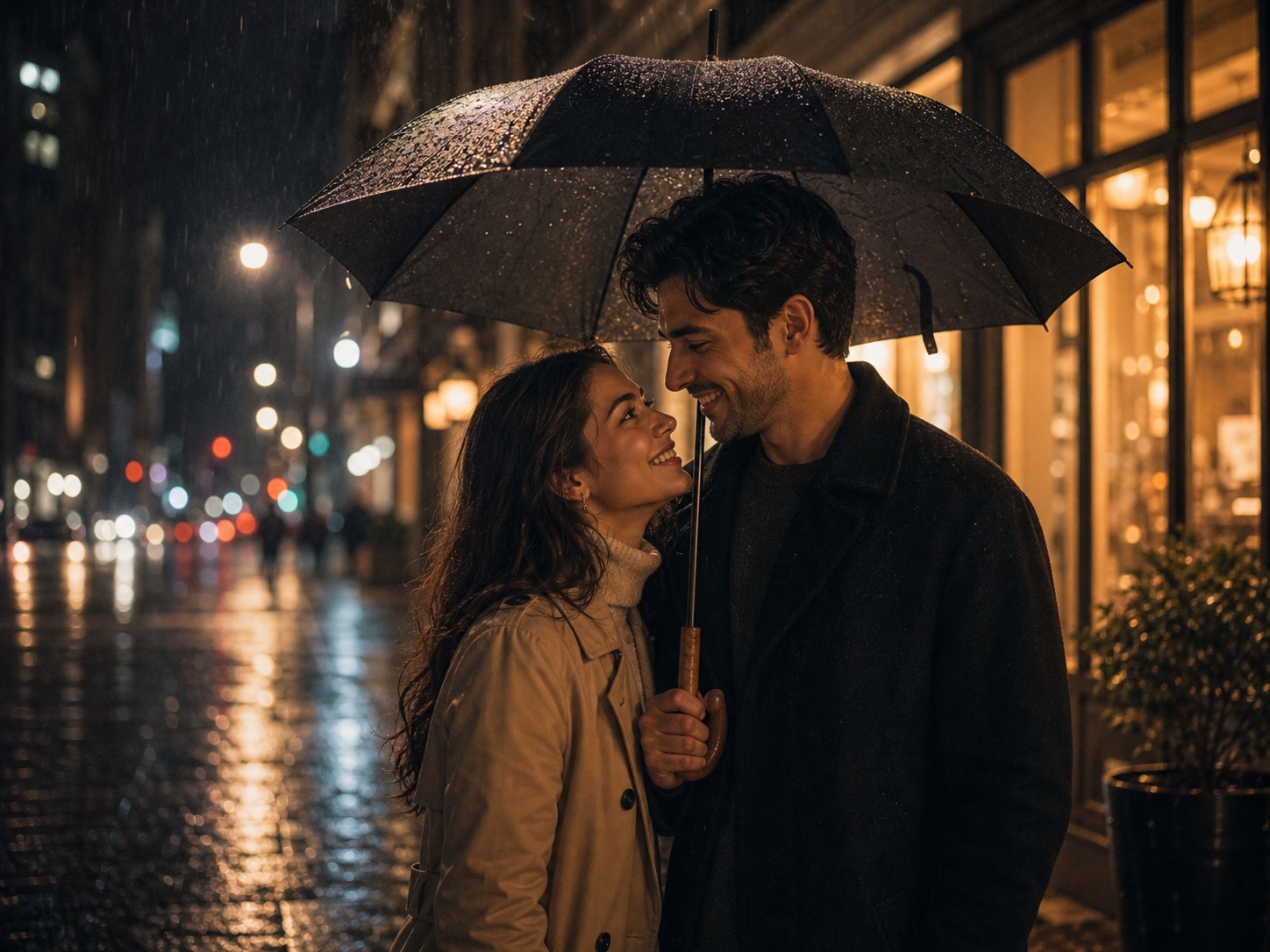
Use this supporting resource for a photorealistic creator portrait on a rain-washed city street at blue hour. Start with the approved Flux prompt, then choose a cleaner editorial variation or a darker social-cover direction.
Independent resource hub. Not affiliated with any official RSP app or editor. This site helps you write prompts and follow workflows; it does not generate, edit, upload, or store photos.
Cinematic Rainy City Creator Portrait Prompt for FluxBlue-hour rainy city portrait
Browser-sidePrompt text is assembled in the page.
No uploadThis site never asks for photo files.
No storageNo prompt history is saved in P0.
Your own toolCopy the prompt to a third-party editor.
Copy-ready prompts
Start from a structured blue-hour rainy city portrait
Use these as prompt-writing references, then revise the subject, background, lighting, and output goal for your own source image.
Blue-hour rainy city portrait
Cinematic portraitVariant 1
Approved Flux portrait prompt
The original prompt approved and published on PromptLabHub.
FluxChatGPTGemini
PromptCopy-ready
Create a photorealistic editorial portrait of a young adult creator standing on a rain-washed city street at blue hour. Keep the subject centered in a vertical waist-up composition, with natural skin texture, a dark neutral jacket, and a calm confident expression. Use soft storefront key light, subtle magenta and cyan reflections on wet pavement, gentle rim light, shallow depth of field, and restrained cinematic color grading. Simulate an 85mm lens at f/2, ISO 400, 1/250s. Keep facial features realistic, hands anatomically correct, background uncluttered, and avoid text, logos, watermark, oversmoothing, or exaggerated neon. Vertical 4:5 aspect ratio, high-detail photographic finish. For Flux: use guidance 3.5 and 28 steps.
Use this when you want quieter color and more natural editorial light.
FluxChatGPTGemini
PromptCopy-ready
Create a photorealistic vertical 4:5 creator portrait on a rain-washed city street just after sunset. Use a waist-up eye-level composition, a natural dark jacket, realistic skin texture, soft storefront key light, cool blue ambient fill, restrained wet-pavement reflections, and gentle 85mm background compression. Keep the expression calm, the hands anatomically correct, and the background readable but uncluttered. Avoid text, logos, watermarks, plastic skin, heavy neon, and unsafe street placement. For Flux, use guidance 3.5 and 28 steps.
Use this for a stronger cover composition with safe negative space.
FluxChatGPTGemini
PromptCopy-ready
Create a high-detail cinematic creator portrait for a vertical social cover, set on a rainy city street at blue hour. Frame the subject from the waist up with clean negative space above the shoulders, soft magenta and cyan pavement reflections, subtle rain streaks, a controlled rim light, shallow depth of field, and realistic 85mm lens character. Preserve natural facial detail, believable hands, matte dark clothing, and a calm confident mood. Avoid readable signs, logos, watermarks, exaggerated neon, dangerous traffic, and overprocessed skin. Output in a vertical 4:5 crop.
No. RSP Editing AI is an independent resource hub for RSP-style prompts and workflows. It is not affiliated with, endorsed by, sponsored by, or connected to any official RSP app, editor, company, or trademark holder.
Does this site generate or edit images?
No. The site provides prompts, a browser-side prompt builder, and workflow guides. It does not generate, edit, upload, or store images in P0.
What tools do these prompts work with?
The prompts can be adapted for third-party tools such as ChatGPT, Gemini, CapCut, VN, Lightroom, Snapseed, PicsArt, and similar creative tools.
Are results guaranteed?
No. Results depend on the source image, tool, model behavior, settings, and manual review.