

Age journey

Childhood to Young AI Photo Editing Prompts

Use childhood-to-young prompts only for yourself or images you have clear permission to use. The goal is a respectful age-journey concept, not a realistic identity claim or unauthorized child likeness edit.

Independent resource hub. Not affiliated with any official RSP app or editor. This site helps you write prompts and follow workflows; it does not generate, edit, upload, or store photos.

GeminiChatGPTCanvaLightroom
Childhood to Young AI Photo Editing Prompts visual reference
Childhood to Young AI Photo Editing PromptsPast-to-present concept
Browser-sidePrompt text is assembled in the page.
No uploadThis site never asks for photo files.
No storageNo prompt history is saved in P0.
Your own toolCopy the prompt to a third-party editor.

Copy-ready prompts

Start from a structured past-to-present concept

Use these as prompt-writing references, then revise the subject, background, lighting, and output goal for your own source image.

Short age journey prompt visual reference
Past-to-present concept
Age journey Variant 1

Short age journey prompt

Best for consented self edits or private memory-style concepts.

GeminiChatGPTCanva
PromptCopy-ready

Write an RSP-style childhood-to-young concept prompt for a respectful self-edit with two time stages, warm memory lighting, consistent identity cues, simple background, natural skin texture, and a square social crop.

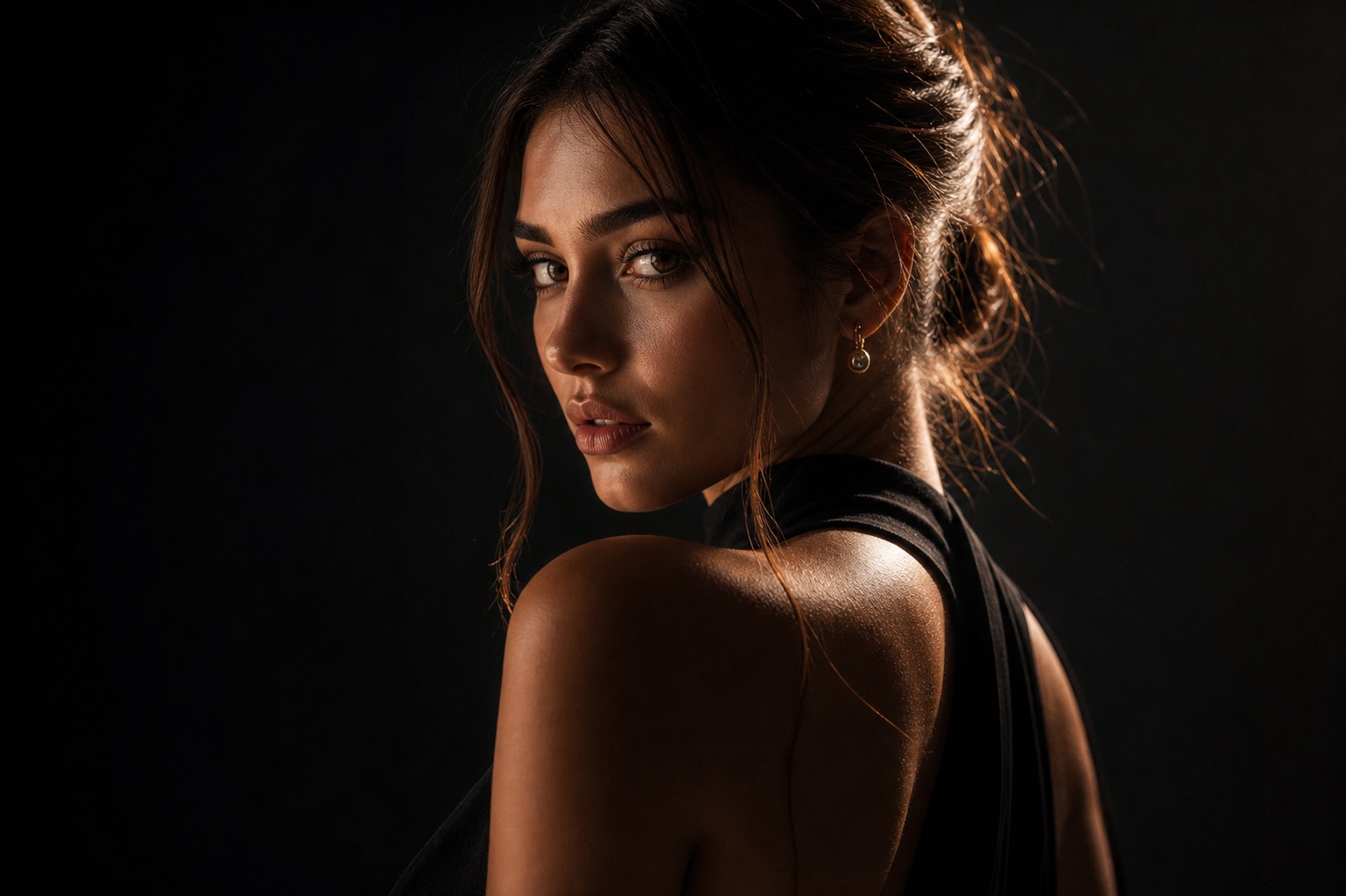
Adapt in Builder
Detailed age journey prompt visual reference
Past-to-present concept
Age journey Variant 2

Detailed age journey prompt

Use this when the layout needs to clearly separate concept from reality.

GeminiChatGPTCanva
PromptCopy-ready

Create a detailed AI editing prompt for a past-to-present portrait concept. Include a childhood-inspired left panel, young adult right panel, soft transition, respectful clothing detail, consistent facial identity cues, warm color, and clean mobile layout.

Adapt in Builder
Safe review version visual reference
Past-to-present concept
Age journey Variant 3

Safe review version

Use this whenever old photos, children, or family images are involved.

GeminiChatGPTCanva
PromptCopy-ready

Draft a safe age-journey prompt that only uses images with permission, avoids editing minors without guardian consent, avoids false real-photo claims, and asks for manual review of identity, privacy, text, and crop before publishing.

Adapt in Builder

Review before publishing

Avoid unsupported claims

  • Do not edit a child's likeness without guardian permission.
  • Do not claim a generated image is a real past or future photo.
  • Review identity, face detail, privacy, and crop before publishing.
  • Use only images, likenesses, and source materials you have rights to use.

Age journey FAQ

Is RSP Editing AI official?

No. RSP Editing AI is an independent resource hub for RSP-style prompts and workflows. It is not affiliated with, endorsed by, sponsored by, or connected to any official RSP app, editor, company, or trademark holder.

Does this site generate or edit images?

No. The site provides prompts, a browser-side prompt builder, and workflow guides. It does not generate, edit, upload, or store images in P0.

What tools do these prompts work with?

The prompts can be adapted for third-party tools such as ChatGPT, Gemini, CapCut, VN, Lightroom, Snapseed, PicsArt, and similar creative tools.

Are results guaranteed?

No. Results depend on the source image, tool, model behavior, settings, and manual review.